Walkthrough and solution
Block Out Level 143
Stuck on Block Out Level 143? Find the complete Block Out Level 143 walkthrough, solution and answer with an easy step-by-step guide to solve the puzzle.
Puzzle Snapshot
Clear the top-row blocks first to create space, then systematically move the blue blocks through the side gates to unlock the central area for the remaining colored blocks.
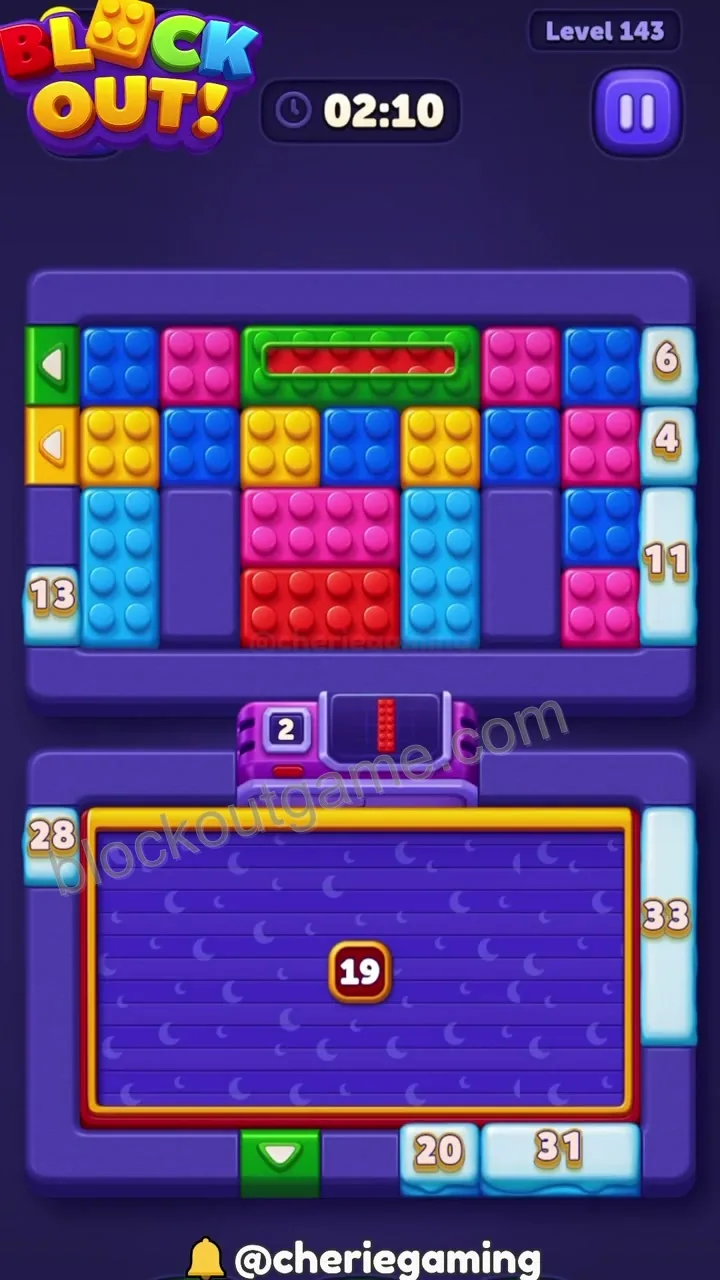
The board features a top section with various colored blocks and a bottom section with a large central area, requiring the top blocks to be cleared to access the gates.
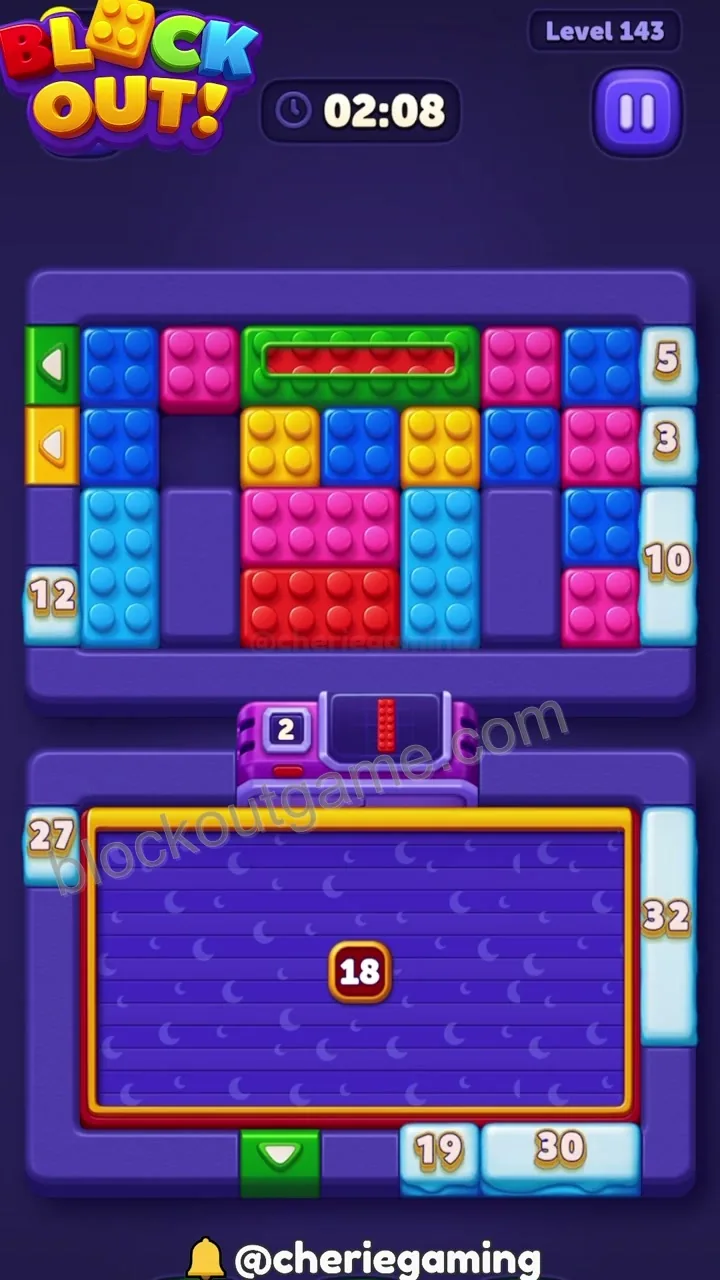
Move the top-right blue block through the right-side gate to begin clearing the upper section.
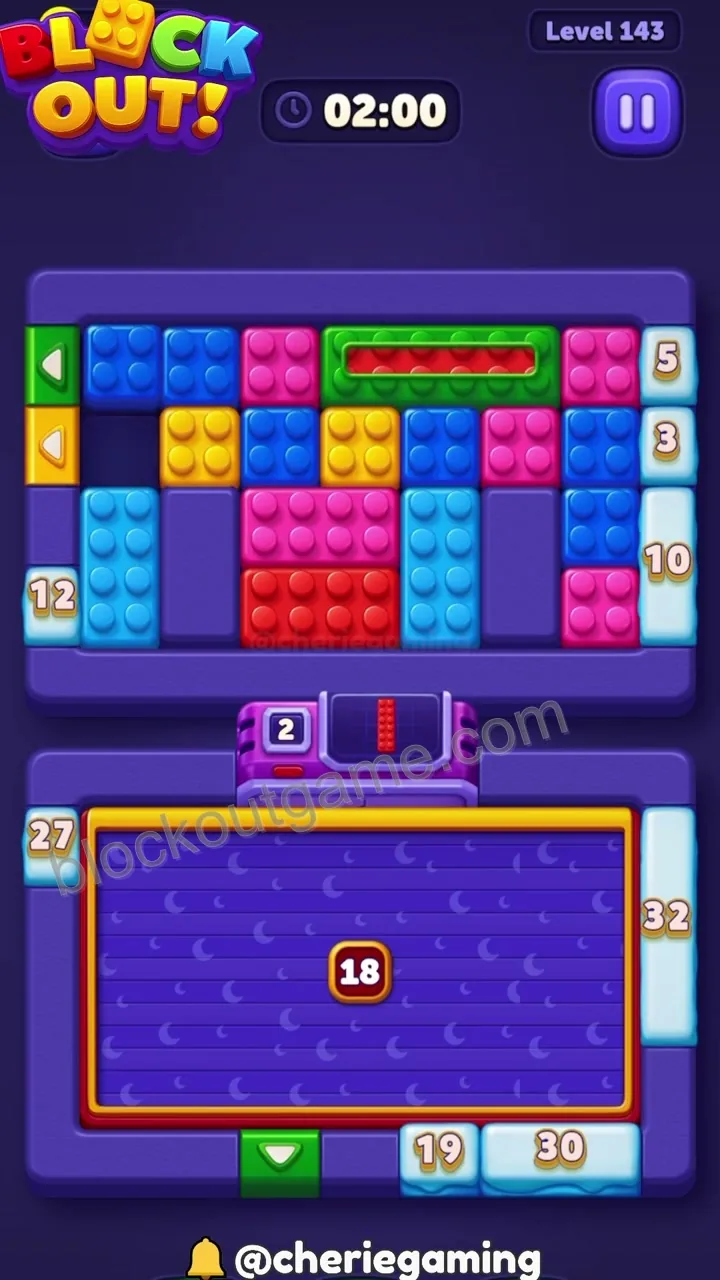
Clear the top-left blue block through the left-side gate, opening up space in the upper row.
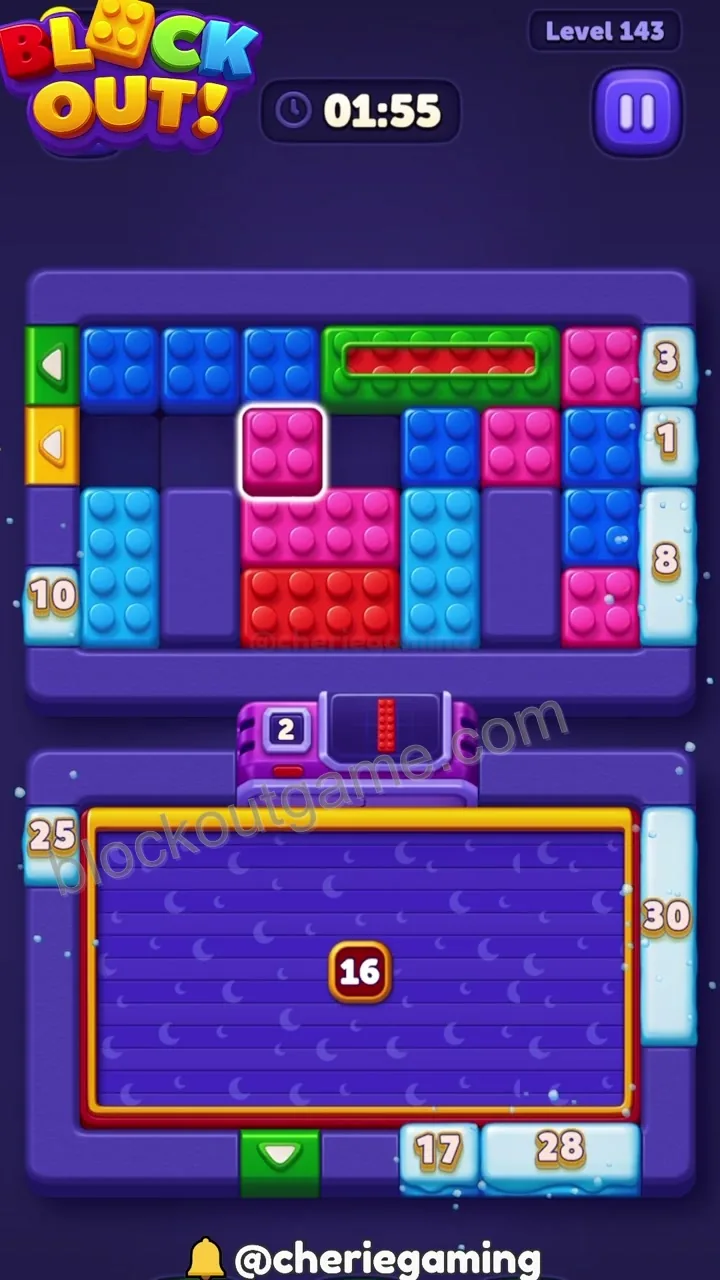
Shift the remaining blue blocks through the side gates to clear the top area entirely.
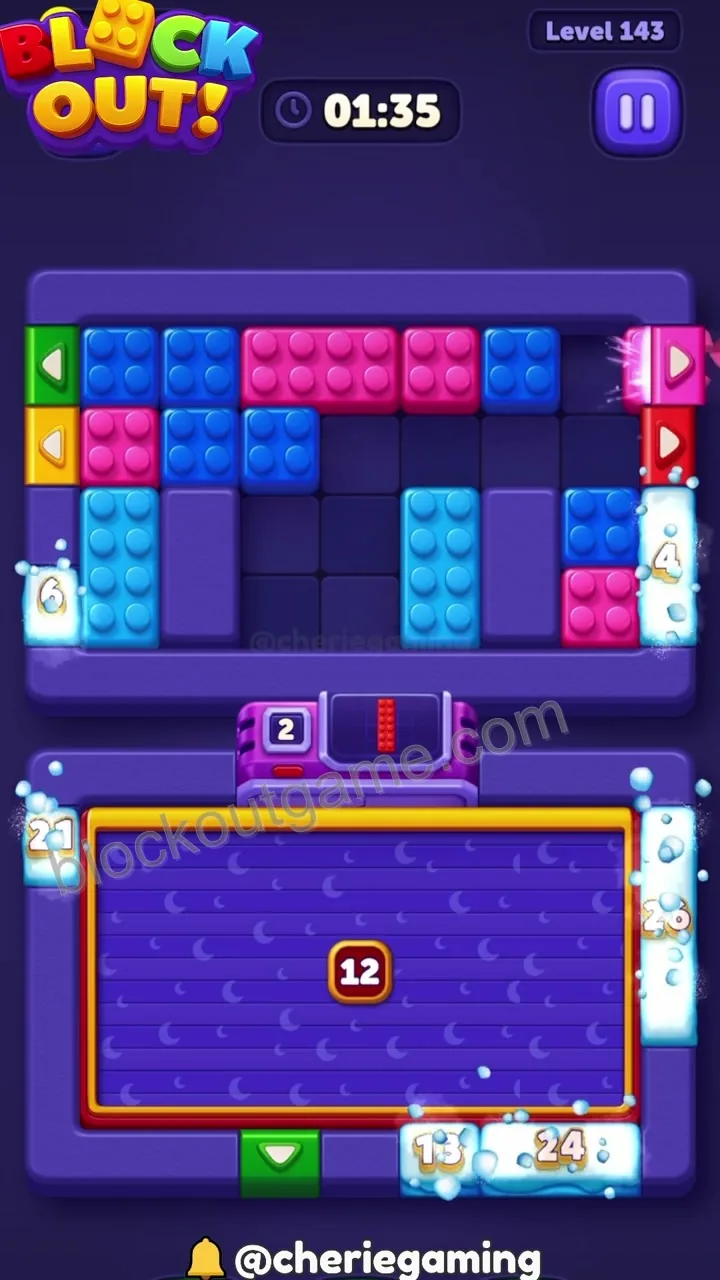
With the top clear, move the red and yellow blocks into the central area to align them with their respective gates.
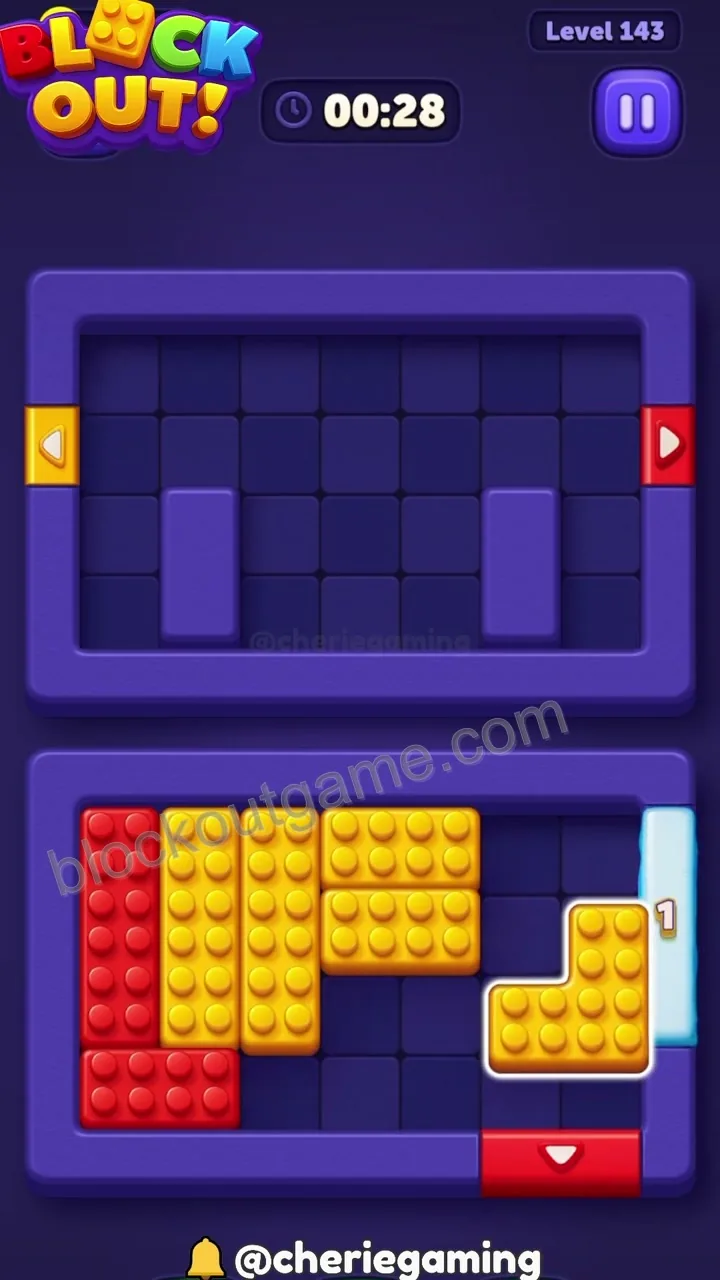
Clear the central column of blocks to allow the remaining colored blocks to reach the bottom exit gate.
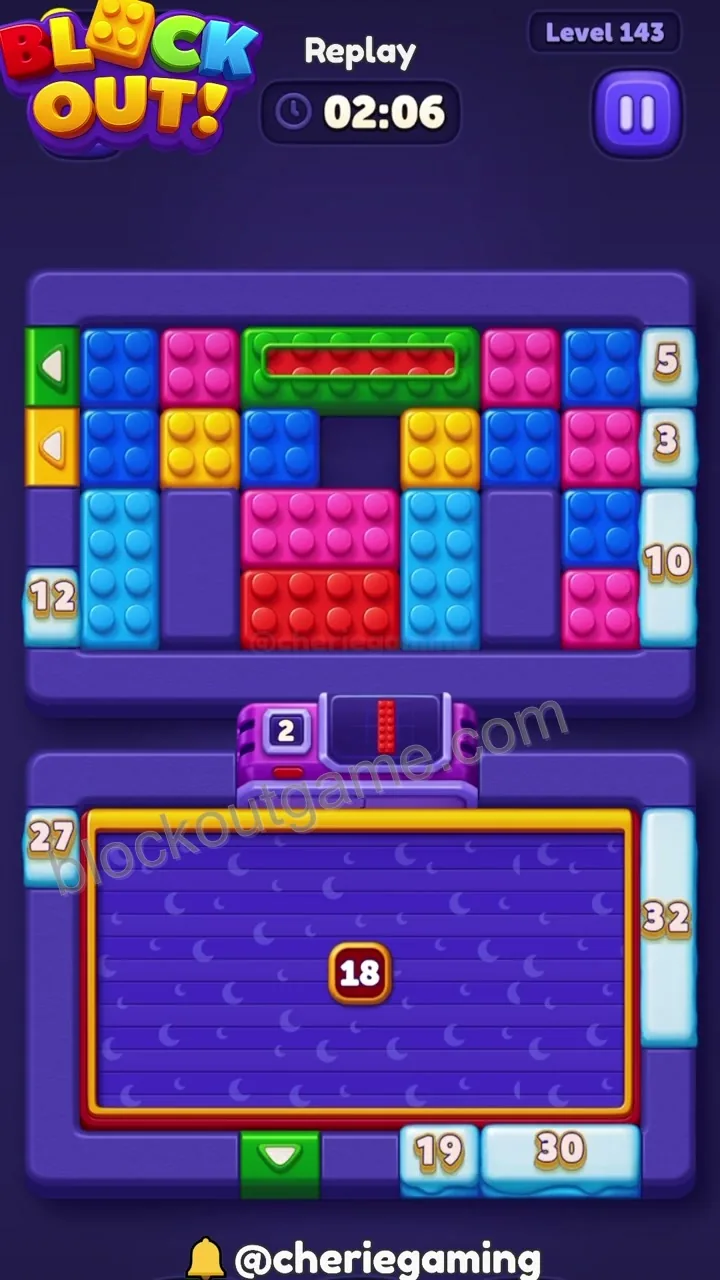
Move the final red and yellow blocks through the bottom gate to complete the level.
Player discussion
Comments (0)
Leave a public comment
Your display name, comment, and optional image are public. Do not enter an email address or sensitive information.
No comments yet
Start a useful discussion about this level.